Notification or alarm
Pick a notification or an alarm that keeps ringing until you answer. Custom ringtones on Android, Clock-style alarms on iOS 26.
Never miss what matters. Remindio wakes you with full-screen alarms, nudges you ahead of time and repeats exactly the way your life does.
Free to downloadNo account neededNo banner ads

Built for people who need reminders that actually get their attention, at the right time and in the right place.
Pick a notification or an alarm that keeps ringing until you answer. Custom ringtones on Android, Clock-style alarms on iOS 26.
Several rules per reminder and 20+ ready repeats. Skip weekends or public holidays and preview dates in a calendar.
Get notified minutes, hours or days before, as a notification or an alarm.
Trigger reminders when you arrive at or leave a place, or when your car or headphones connect (Bluetooth on Android).
Done, Skip and Snooze right from the notification, with custom snooze options and rules for ignored notifications.
A list of timers with seconds and repeats for workouts, cooking or breaks. Several can run at once.
Add a habit tracker to any reminder: a Yes/No answer or a value like glasses of water or km run. See your streaks and stats.
Upcoming reminders with Done buttons, calendars, timers, trackers, checklists and notes. Lock Screen widgets and Control Center controls on iPhone.
Make your own tabs from saved filters: Work, Birthdays, Later, Attachments, anything you like.
Silence, postpone or change how reminders alert you on a schedule, by label. On Android, a phone mode turns on system Do Not Disturb.
Turn calendar events into reminders, automatically on Android. Import from Apple Reminders on iPhone.
Start from a template, or copy options from one reminder to another.
Colored labels plus checklists, notes, links, contacts and images.
Yearly reminders show how many years have passed.
All your reminders on a month calendar, including every repeat day.
Search, filters, multiselect, pinned reminders, custom swipe actions and activity history.
Save a reminder now and pick the date when you know it.
Fire when your car or headphones connect or disconnect.
Export reminders to Google Calendar and back up automatically to Google Drive.
Coins, levels and achievements for completed reminders.
Light and dark themes, accent colors and a compact or expanded editor.
Dictate your reminder text with speech recognition.
There are a few hidden Easter eggs. We'll leave it to you to find them.


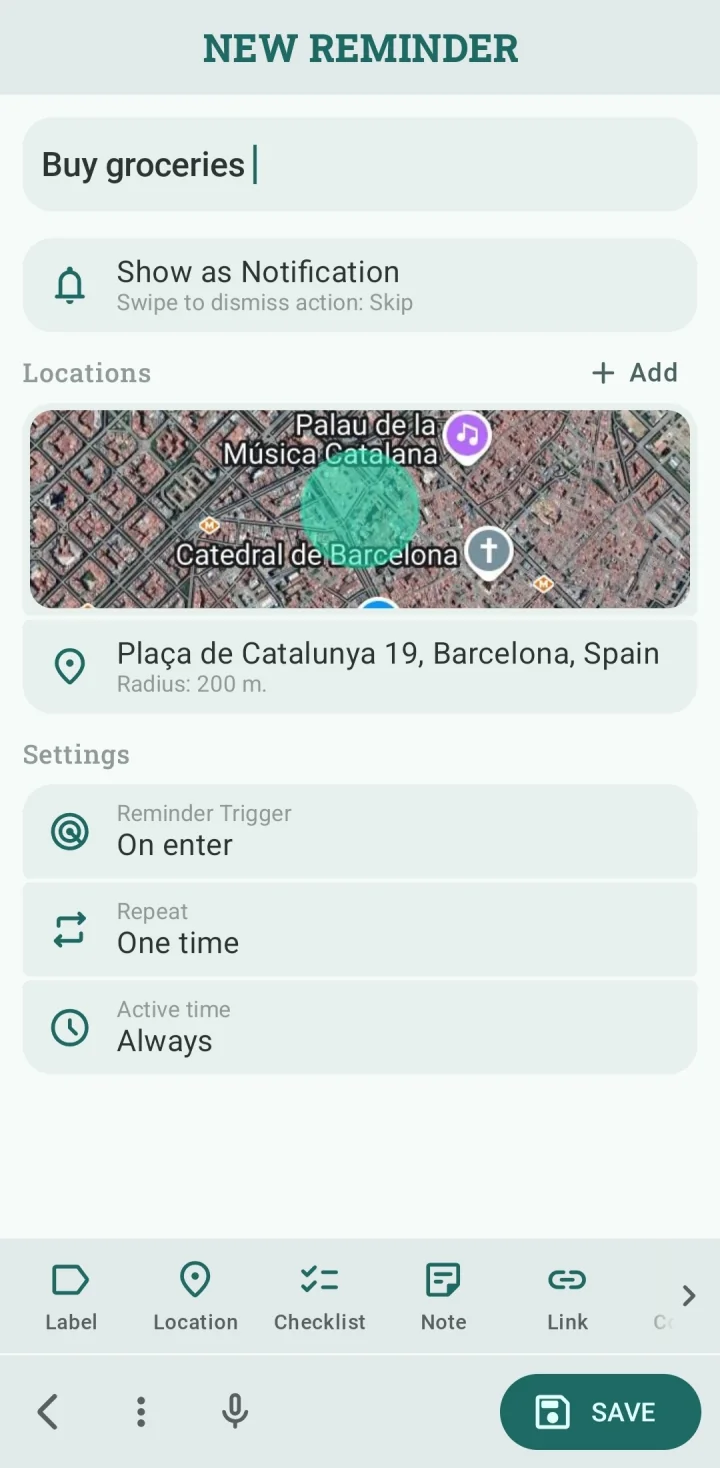
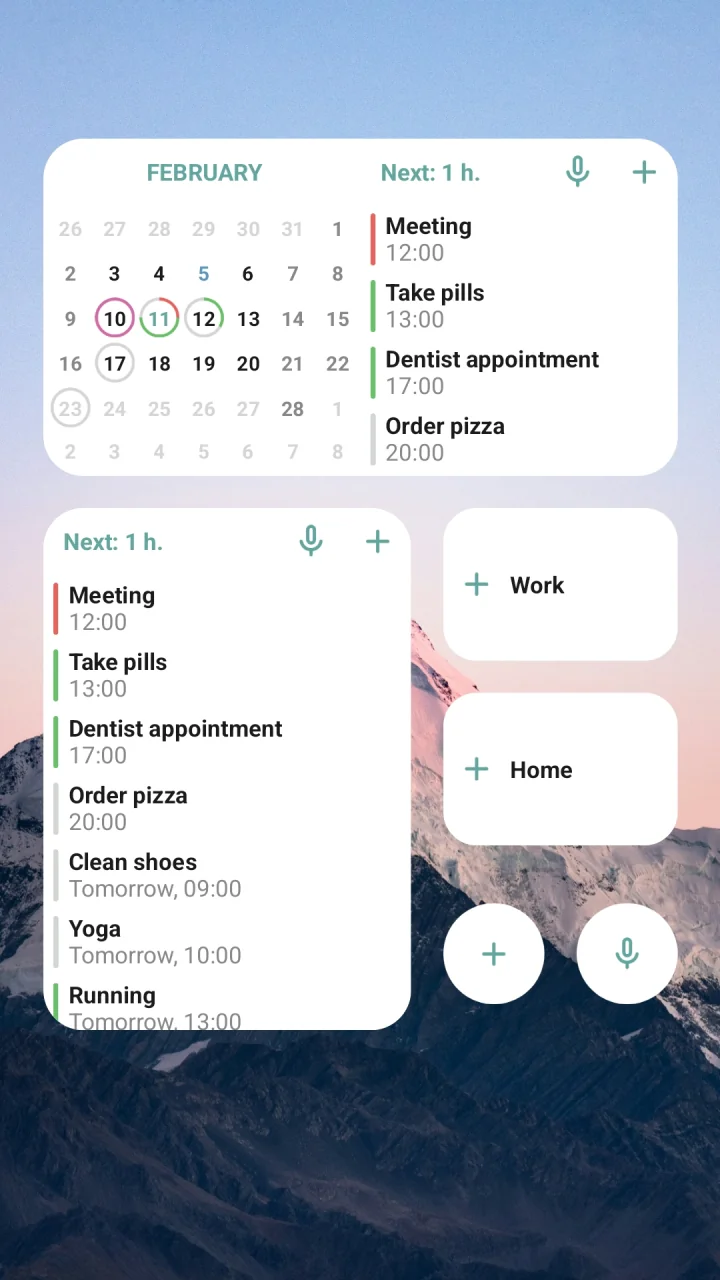
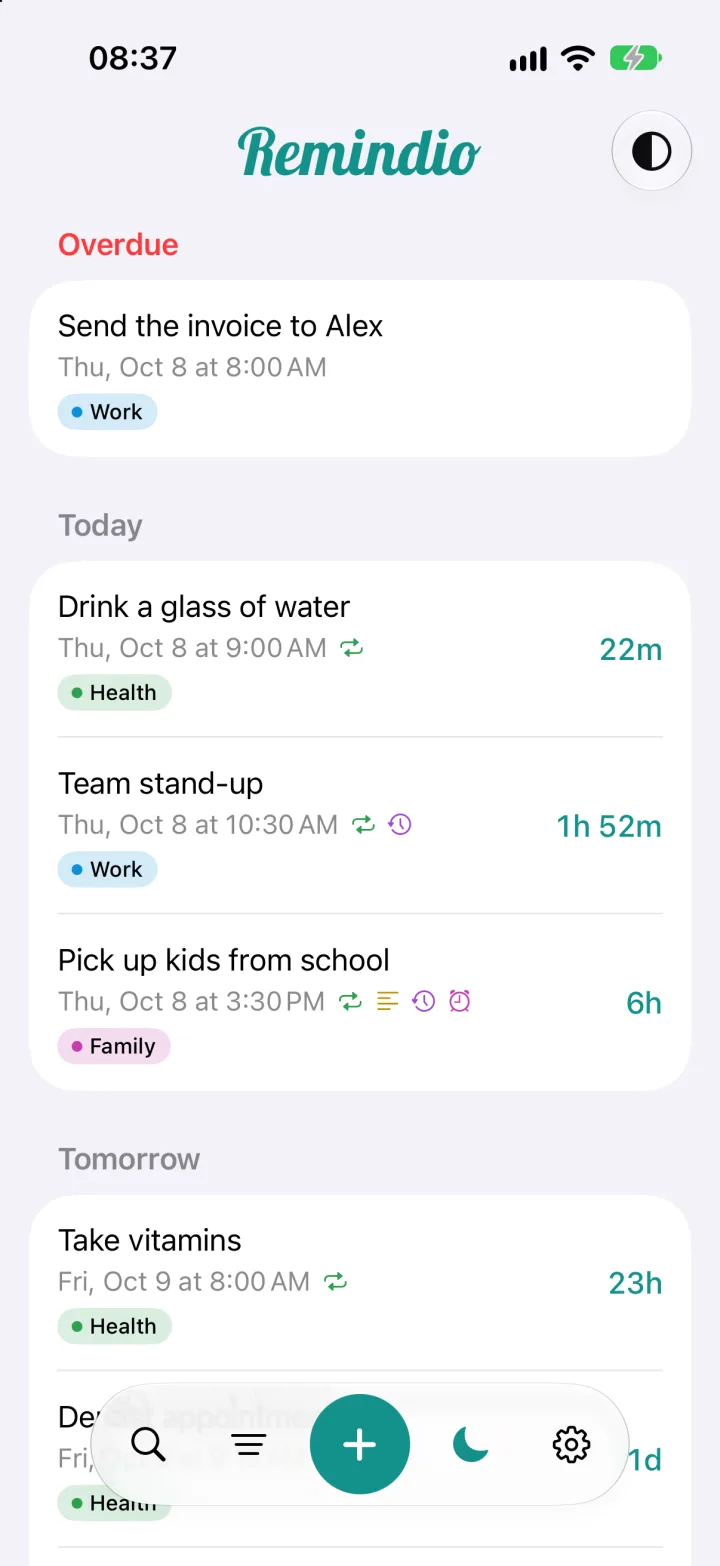
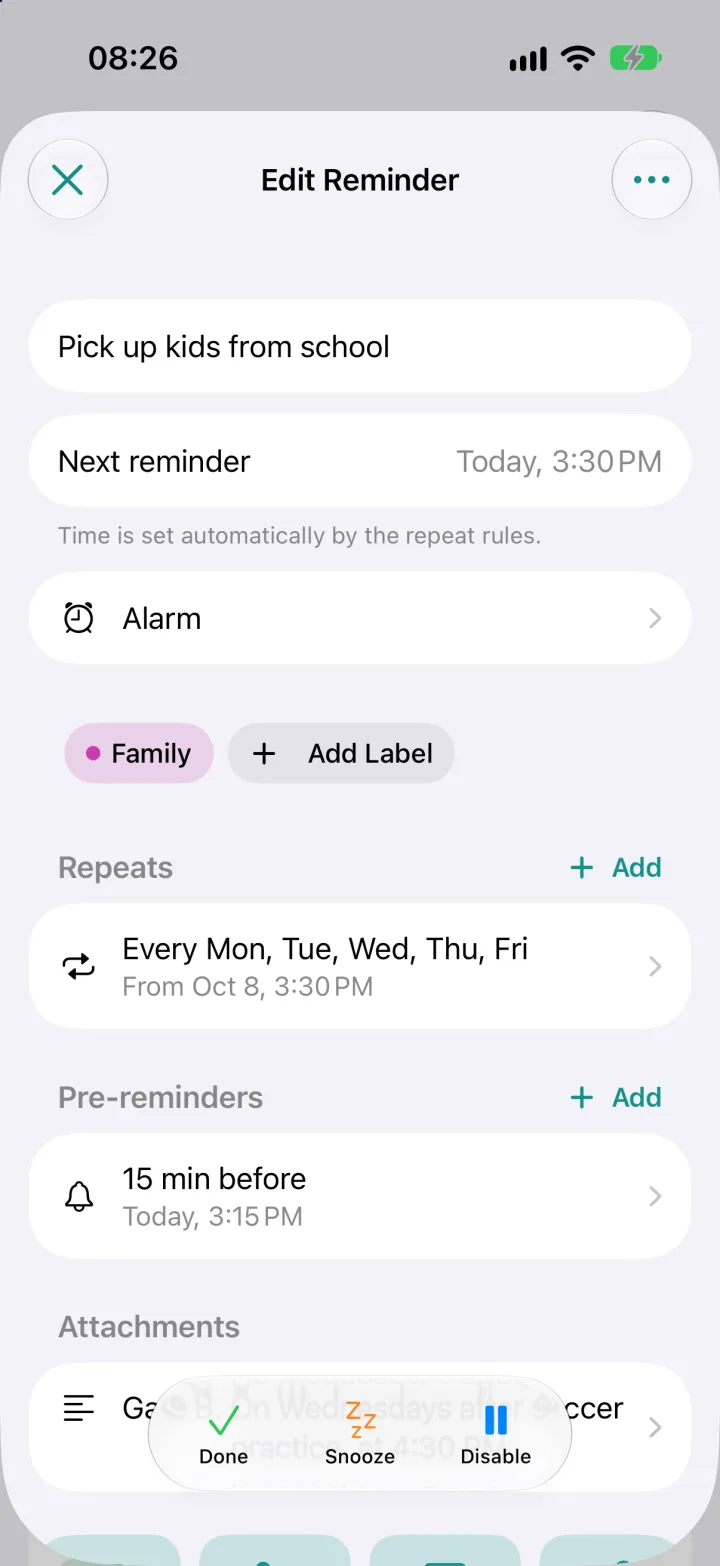
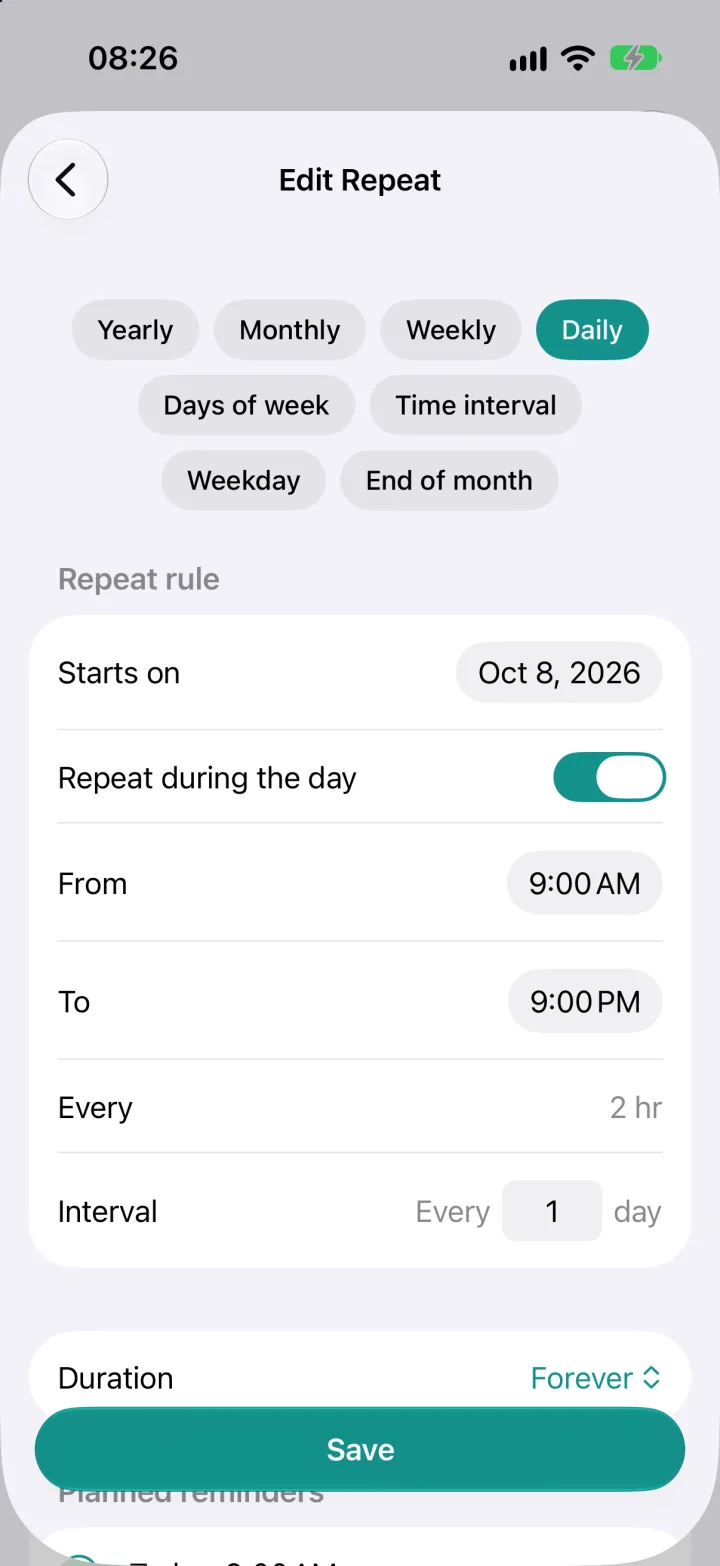
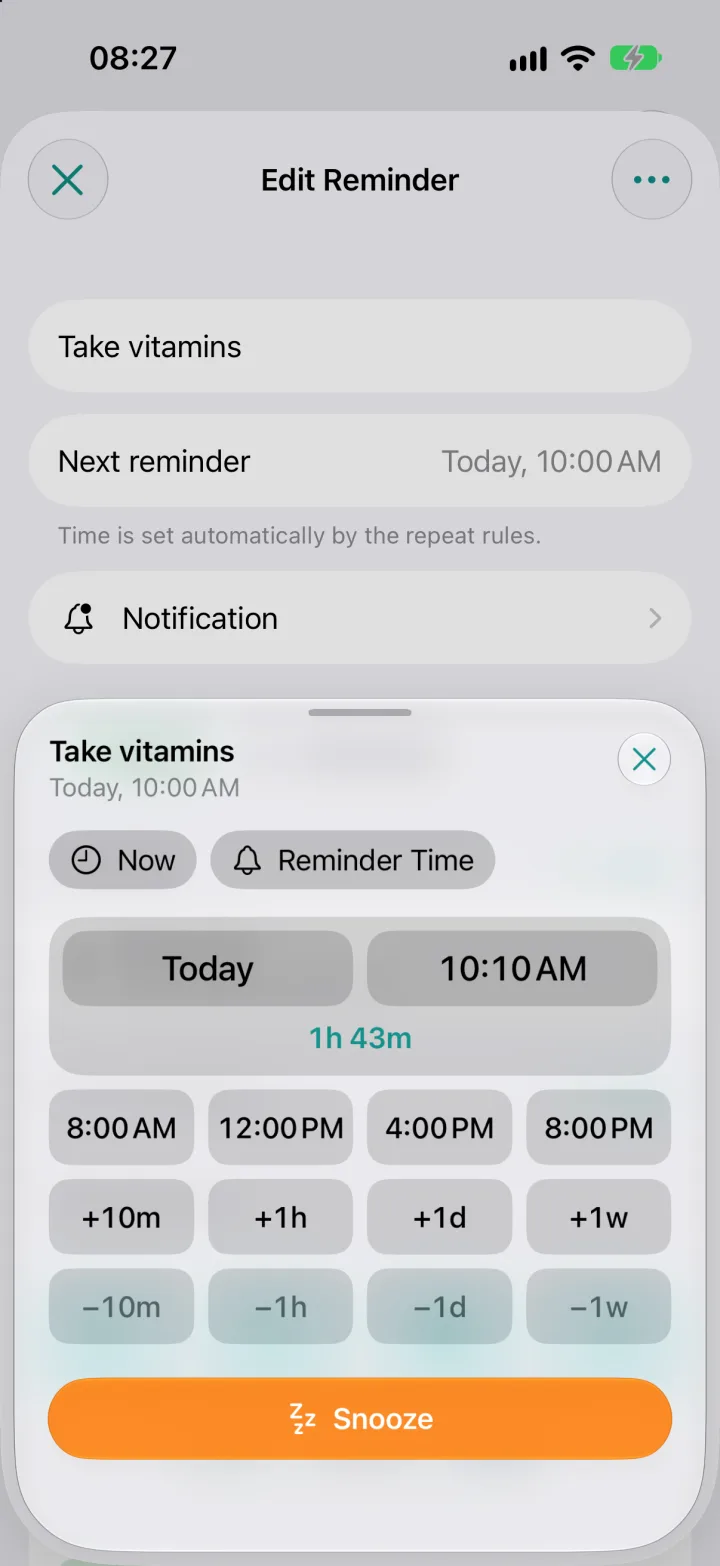
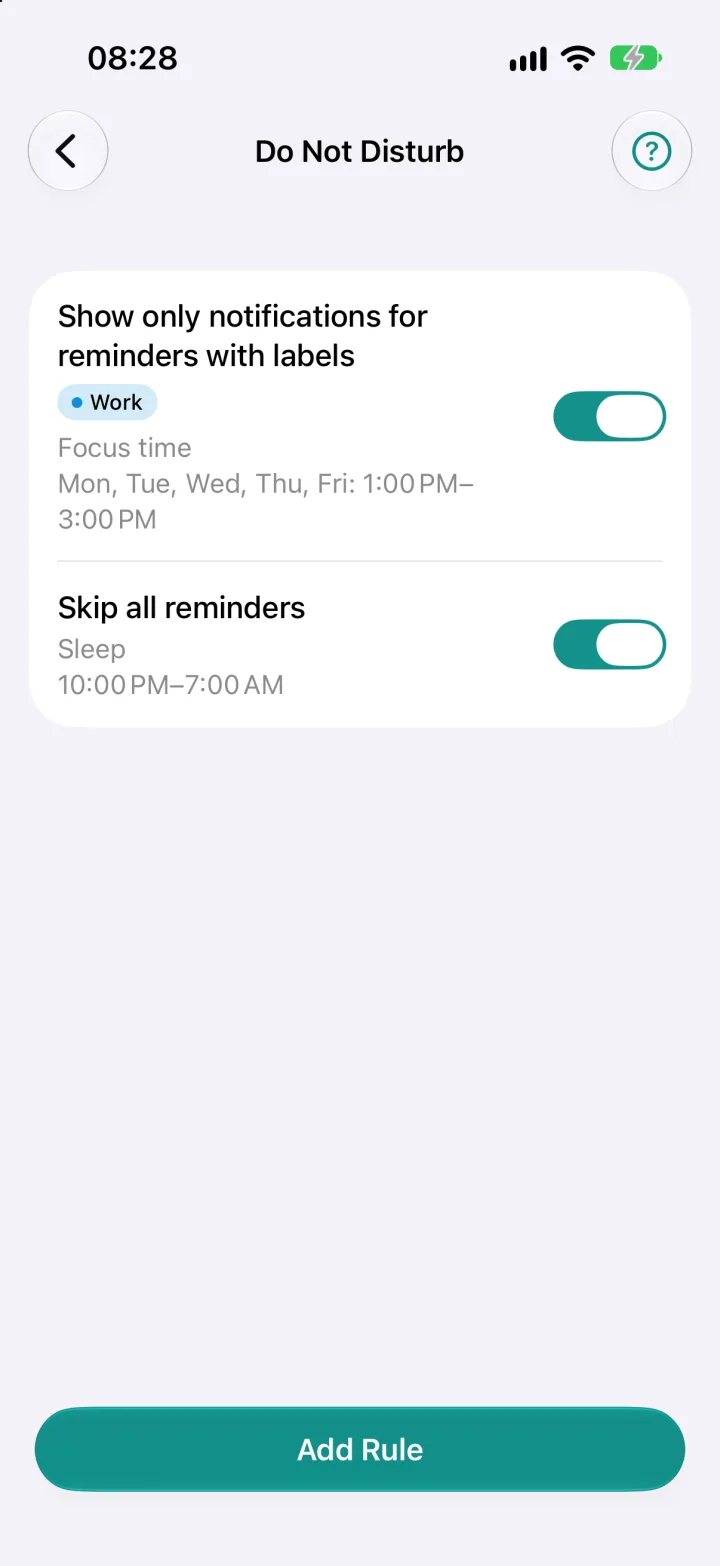
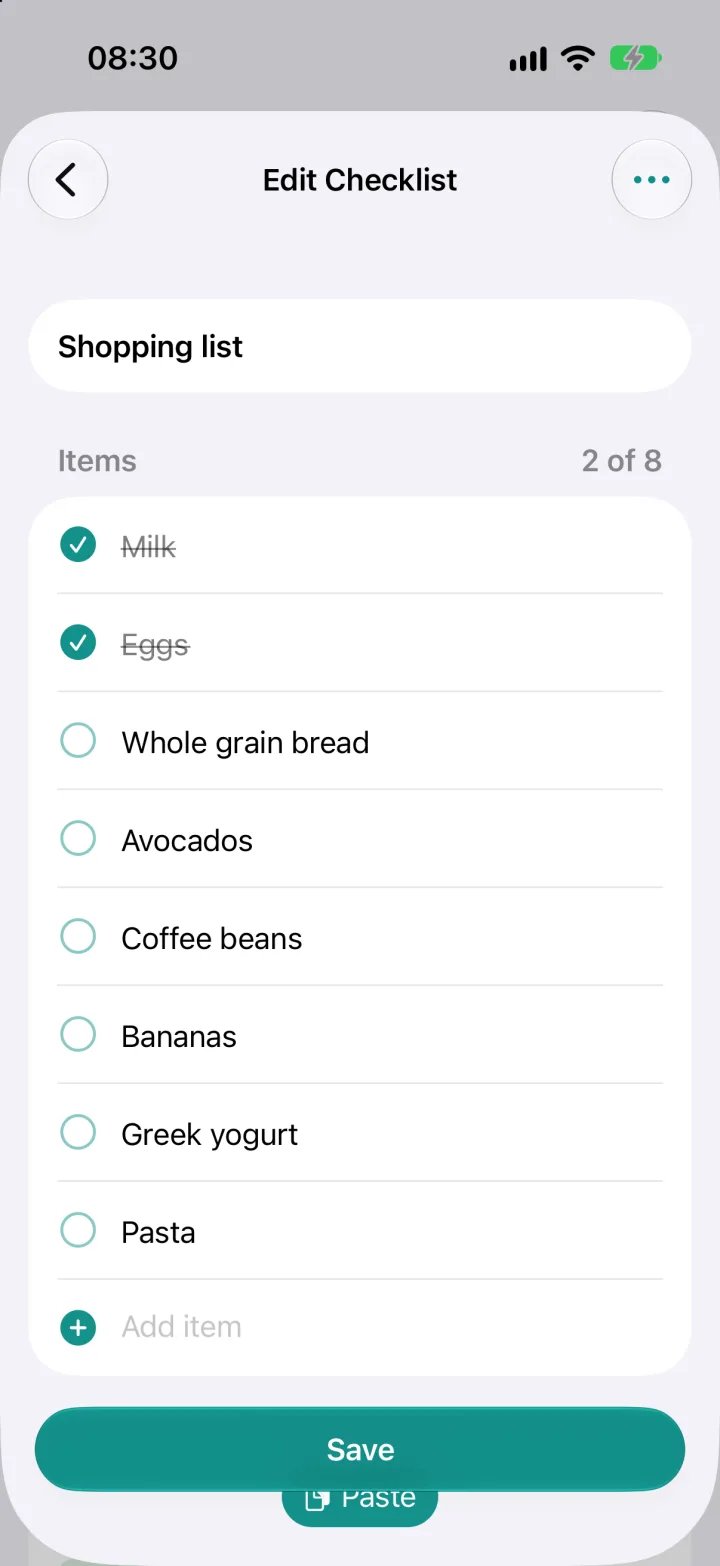
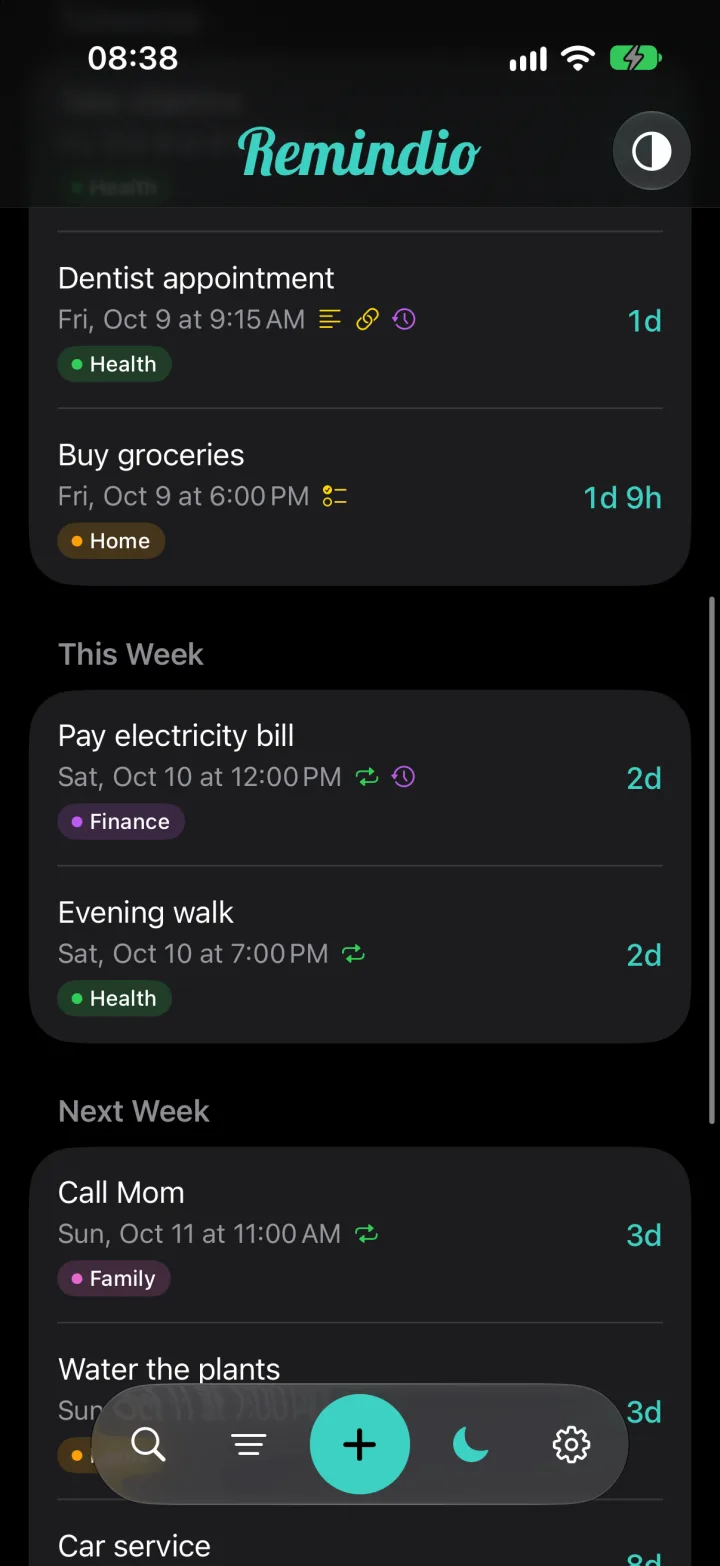
A native iOS app, built from scratch for iPhone with everything learned from two years on Android. Both apps are updated actively, and most new features come to both platforms. Made for iPhone:
The free version covers everyday reminders. Premium unlocks the advanced stuff: multiple repeat rules, pre-reminders, attachments, alarms and location reminders.
A one-time purchase. No subscription needed.
Try everything before you pay: a 14-day trial on iPhone, a subscription with a trial on Android.
Watch one ad and get a day of Premium.
No banner ads and no surprise full-screen ads. Ads only appear when you choose to watch one.
Yes. Remindio is free to download, and the free version covers everyday reminders. Premium unlocks advanced features. Buy it once with Lifetime, try it free first, or watch a rewarded ad for a day of Premium. See Pricing.
No banner ads and no surprise full-screen ads. An ad appears only when you choose to watch one to get a day of Premium.
No. There is no sign-up. Your reminders are stored on your device, and you choose whether to back them up.
Yes. Download Remindio on the App Store. The iOS app is updated actively, and most new features come to both platforms. A few are Android-only for now: Bluetooth reminders, Google Calendar sync, Google Drive backups, achievements and the phone Do Not Disturb mode. See iPhone support.
This is usually caused by battery optimization or notification settings on the phone. See the step-by-step guide on our Support page.
Download Remindio and set your first reminder in seconds.